Shalom Shay plans, lights and runs production spaces for talk shows, filmed podcasts and YouTube programs. Capture, sound and post planned together — and a setup your team can operate after handover.
What changes between the three formats: cameras, lighting, sound, post and the room itself. These are working examples, adjusted to your space and your release.
Example setups, not fixed packages
Studio format · three or four cameras
Illustrative production setups
Example setup 01
Multi-camera talk show
Live-switched conversation, built for broadcast and social.
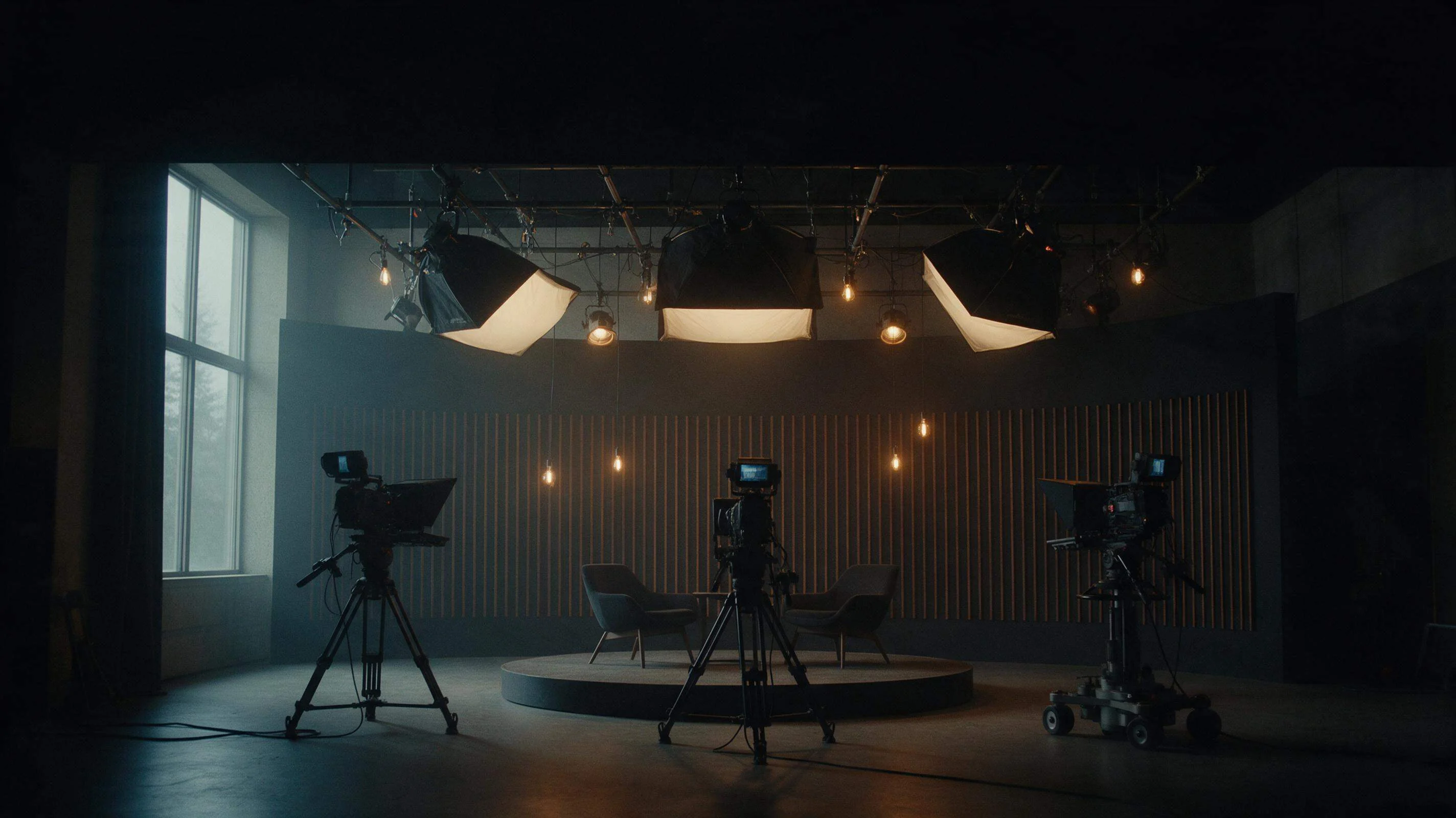
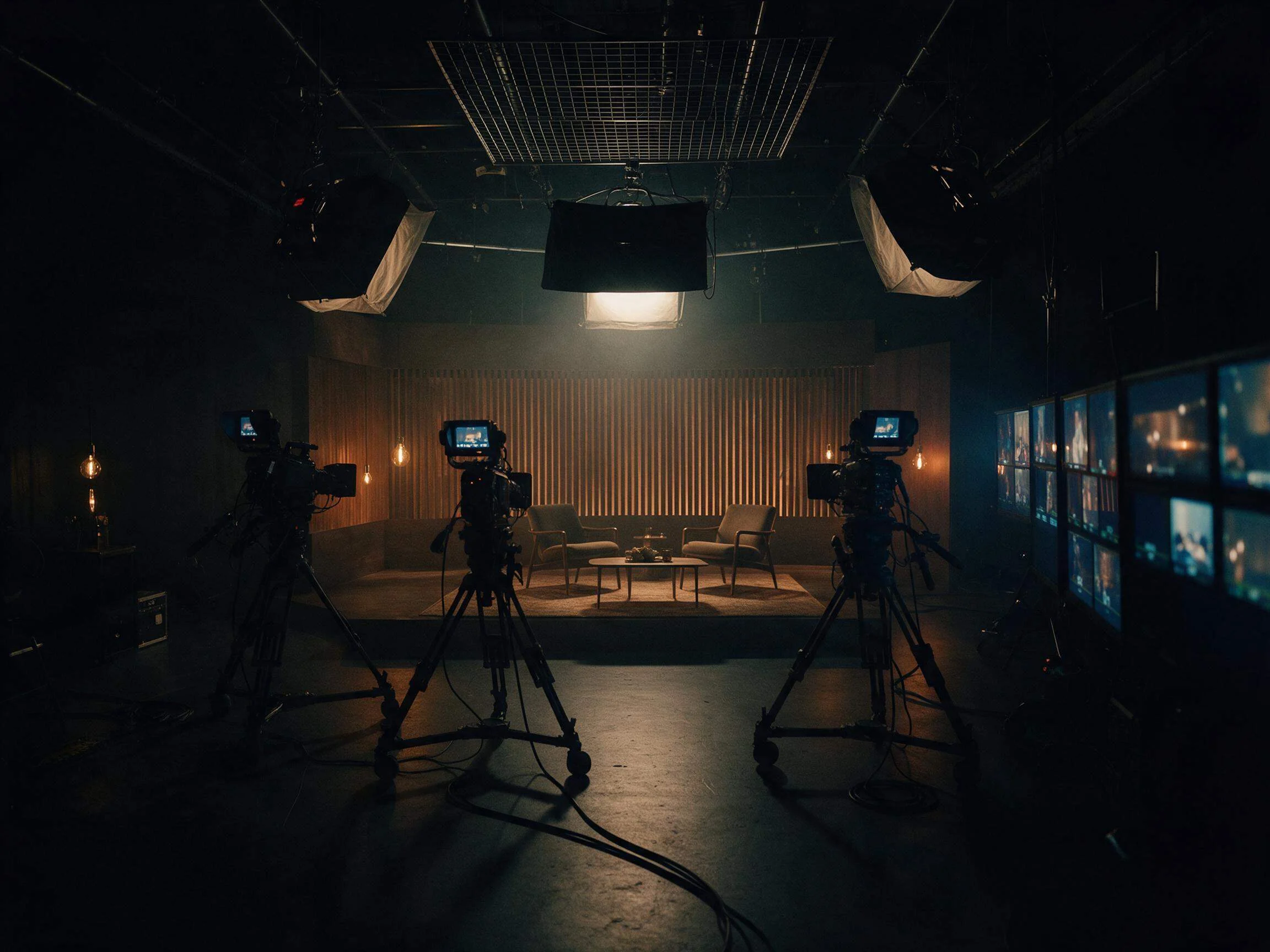
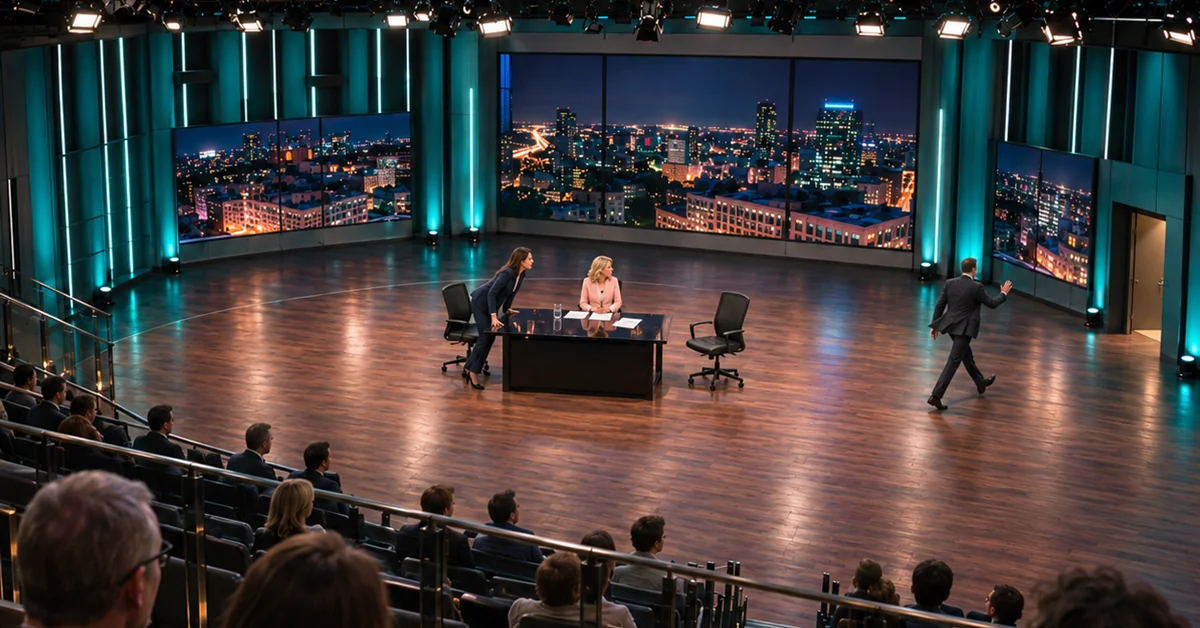
Three or four cameras cover host and guests while a switcher cuts live to a record deck. Every angle is recorded ISO, so the conversation rarely waits for a cue and the edit can be rebuilt later.
Cameras
3–4 cinema bodies on fluid heads, plus a locked-off wide. Live switch on set, ISO recordings on every angle, on-set monitoring for the producer.
Lighting
Four-point LED grid — soft key, fill, edge and background wash — with sconces or practicals in frame. Levels set once and checked on every camera.
Sound
Lavalier per guest with a boom on the table, redundant recorder on the master mix, and mix-minus so remote guests hear the room without feedback.
Post
Live cut for the room, then colour, dialogue clean-up and a loudness-compliant mix, with chaptered and vertical versions from the same master.
Install
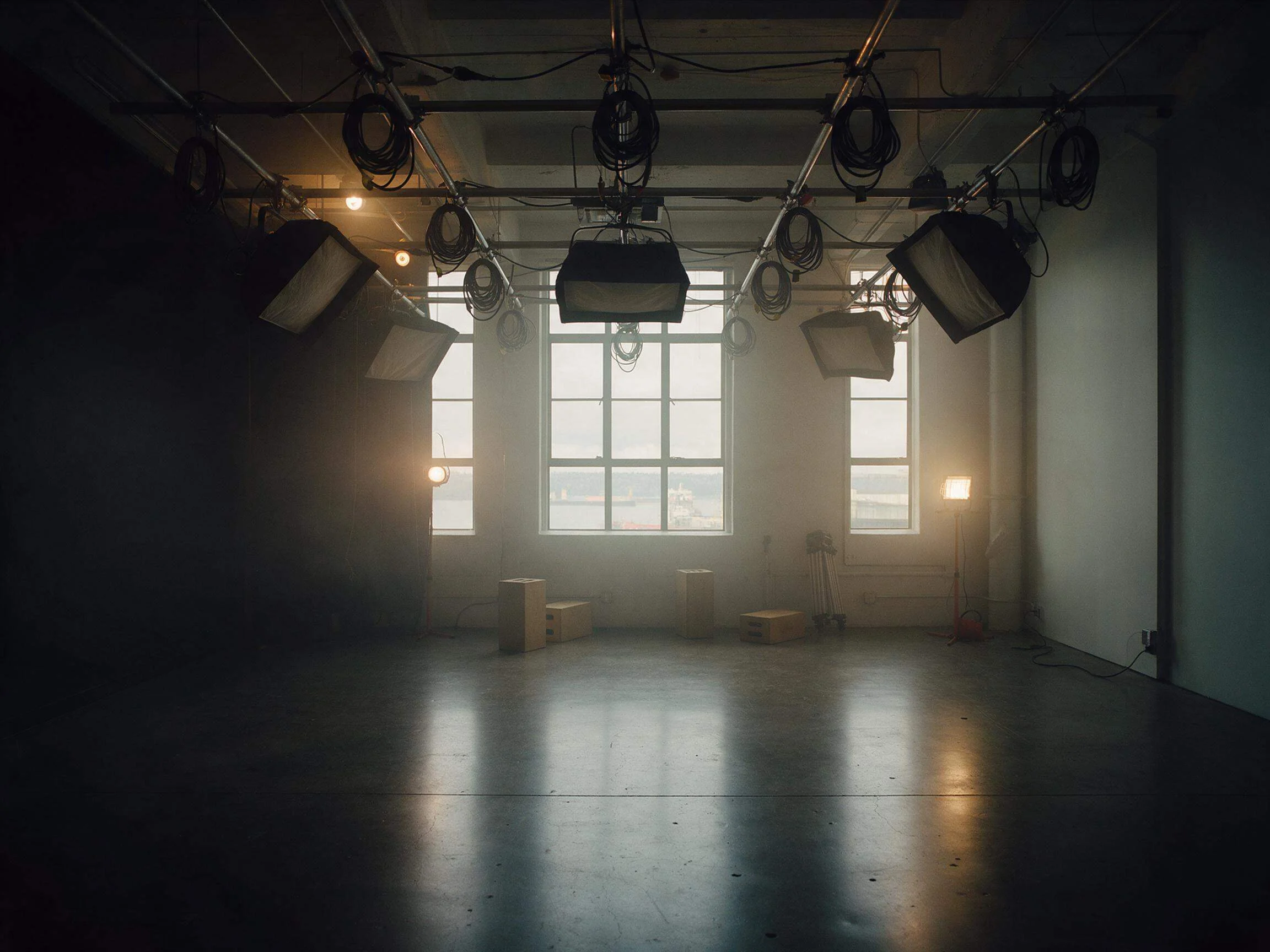
Fixed lighting grid, cable runs, control-room position and a talkback loop — commissioned, labelled and documented for handover.
Audio-first sessions that still look like a set, not a meeting.
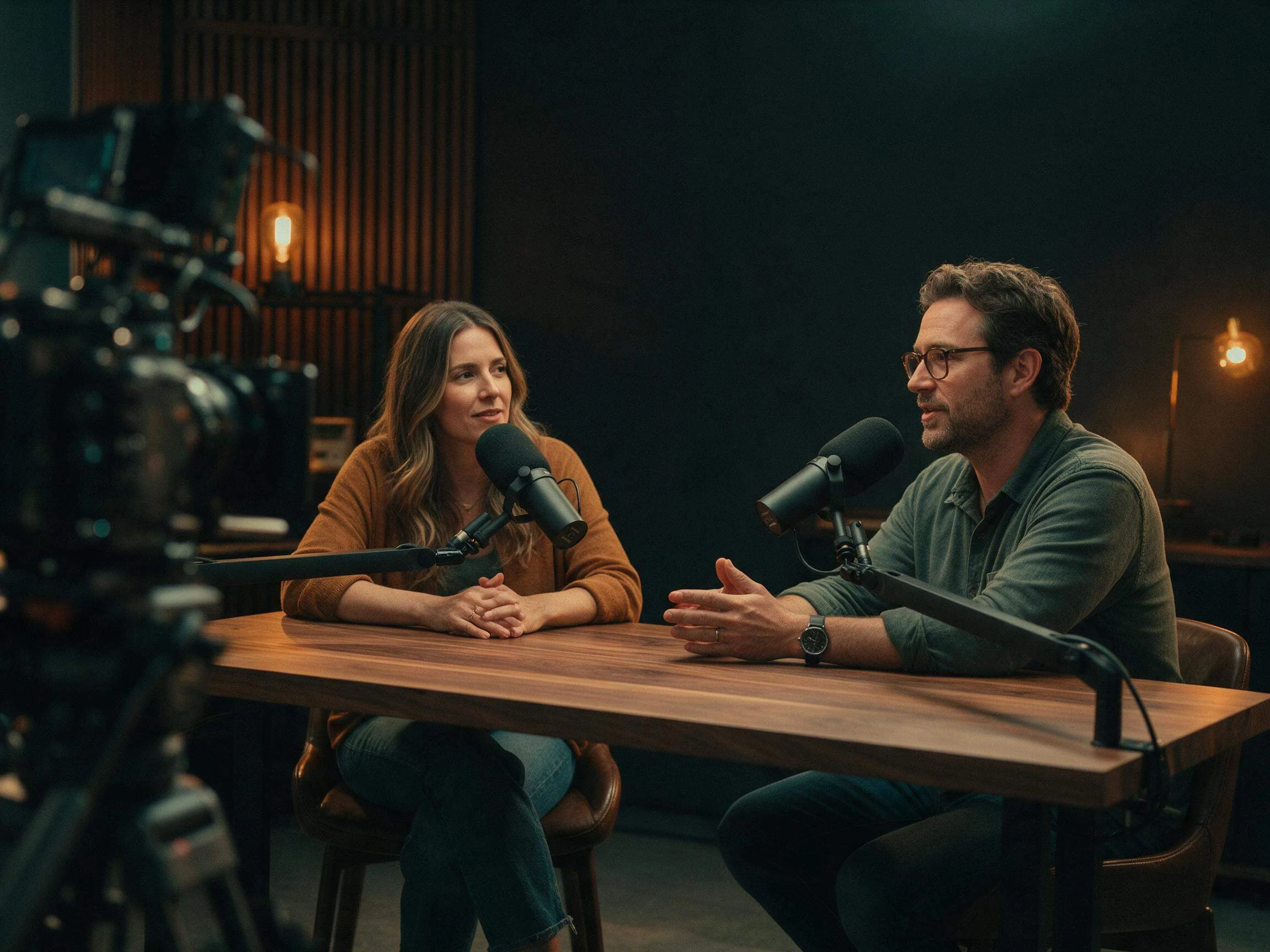
Built around the sound: treated room, close microphones and three cameras framing host and guests. One session yields the episode, the clips and the stills.
Cameras
Three angles — host, guest and a two-shot — shot on long lenses from outside the eyeline, with camera logos never facing talent.
Lighting
Low, warm key light at desk height, a soft rim for separation and dim practicals behind. Lights stay off the table glass and out of the frames.
Sound
Broadcast dynamic microphones on booms, acoustic slat panels and bass traps, plus a backup recorder and a room-tone pass before the mics open.
Post
Multicam assembly on the sync clap, noise and plosive repair, levelled dialogue, chapter markers, captions and vertical clips from the same take.
Install
Acoustic treatment, desk design, mic arms and a camera-ready wall, so a host can record alone without moving a light.
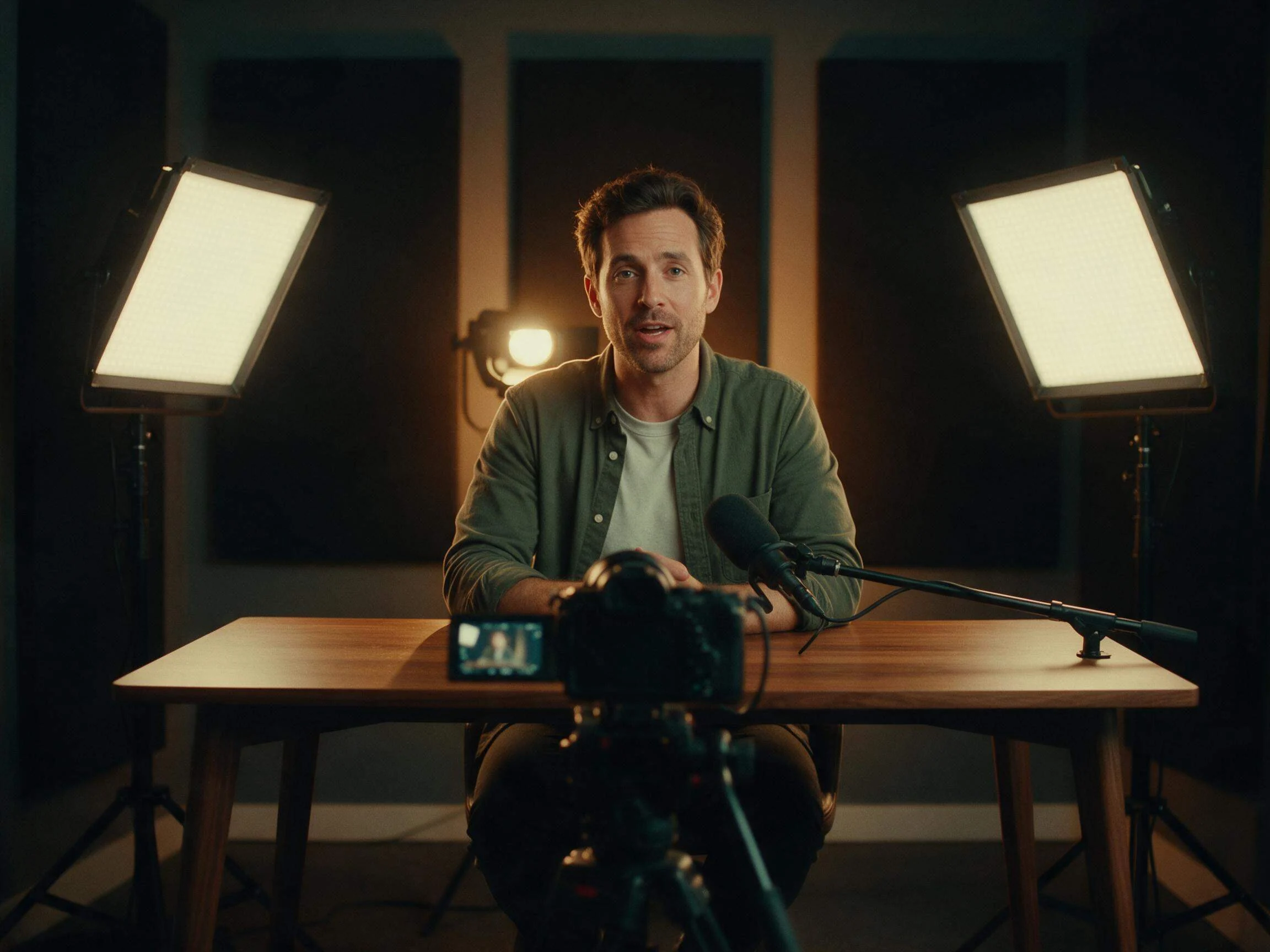
A two-camera desk setup with teleprompter, fixed lighting and wireless audio, designed for batch recording. Edits follow a saved template so every episode carries the same graphics, captions and pacing.
Cameras
One primary camera on the host, one cutaway or screen capture, with a clean feed for livestream and matching framing for thumbnails.
Lighting
Two soft panels and a small hair light on stands, taped to marks so a reset takes minutes. Colour balance locked to the set's practicals.
Sound
Wireless lavalier or a desk microphone, safety track, headphone monitoring and a noise floor check before every record.
Post
Template-based edit with intro, lower thirds, captions, thumbnail frames and an export preset for YouTube, Shorts and paid social.
Install
A permanent desk setup with one power switch, labelled inputs and a printed reset card, so a host can record without a full setup each time.
Lighting, sound, post-production and the room itself, planned as one system rather than four separate handoffs between the shoot day and the final delivery.
01
Lighting design
Lighting planned per format, not per job. Keys, rims and background levels are plotted on a diagram before the shoot, matched across every camera, and repeatable on the next session.
Four-point LED sets for interviews and panels
Soft sources sized to the room and the format
Colour temperature locked to practicals
Lighting plots saved for repeat sessions
02
Sound
Dialogue captured cleanly the first time. Treated rooms, close microphones, redundant recorders and a monitored mix, so post is repair work instead of rescue work.
Lavalier, boom and desk microphone packages
Acoustic treatment and room measurement
Redundant recording with safety tracks
Mix-minus for in-studio remote guests
03
Post-production
Cut, colour and mix planned together with the shoot, so the edit starts from organised footage. Dialogue cleaned, colour matched shot to shot, graphics from a saved template and loudness-compliant deliverables for broadcast and web.
Multicam assembly and story edit
Colour grading and shot matching
Dialogue edit, mix and loudness compliance
Captions, vertical cutdowns and archive masters
04
Turnkey installation
We build the room, not just the shoot. Shalom Shay designs, installs and commissions studios your team can operate, with drawings, labels and a handover session left behind.
Site survey, camera plots and power planning
Rigging, lighting grid and cable infrastructure
Control room, switcher and record workflow
Commissioning, documentation and handover
Installation
A studio that runswithout us.
Turnkey installation covers the room as a system: rigging, lighting, audio, recording and a control position your team can run. We commission it, document it, and run a handover session on a real recording.
01
Survey
Room dimensions, power, ceiling structure, acoustics and how the space will be used. No drawings are issued until the constraints are measured.
02
Design
Set layout, camera positions, lighting plot, audio plan and control-room location, matched to the formats you plan to produce.
03
Build
Rigging, grid, cabling, acoustic treatment and furniture, installed and labelled to the drawing.
04
Commission
Cameras matched, audio tuned, recordings tested and the workflow documented. A handover session runs on a real recording.
Shalom Shay is a commercial video production studio in Vancouver, British Columbia. The three example formats above are the starting point; the address below is a contact address for correspondence.
Illustrative production setups
Contact address
Canada Place Business Centre (World Trade Centre) 404–999 Canada Place Vancouver, BC V6C 3E2 Canada